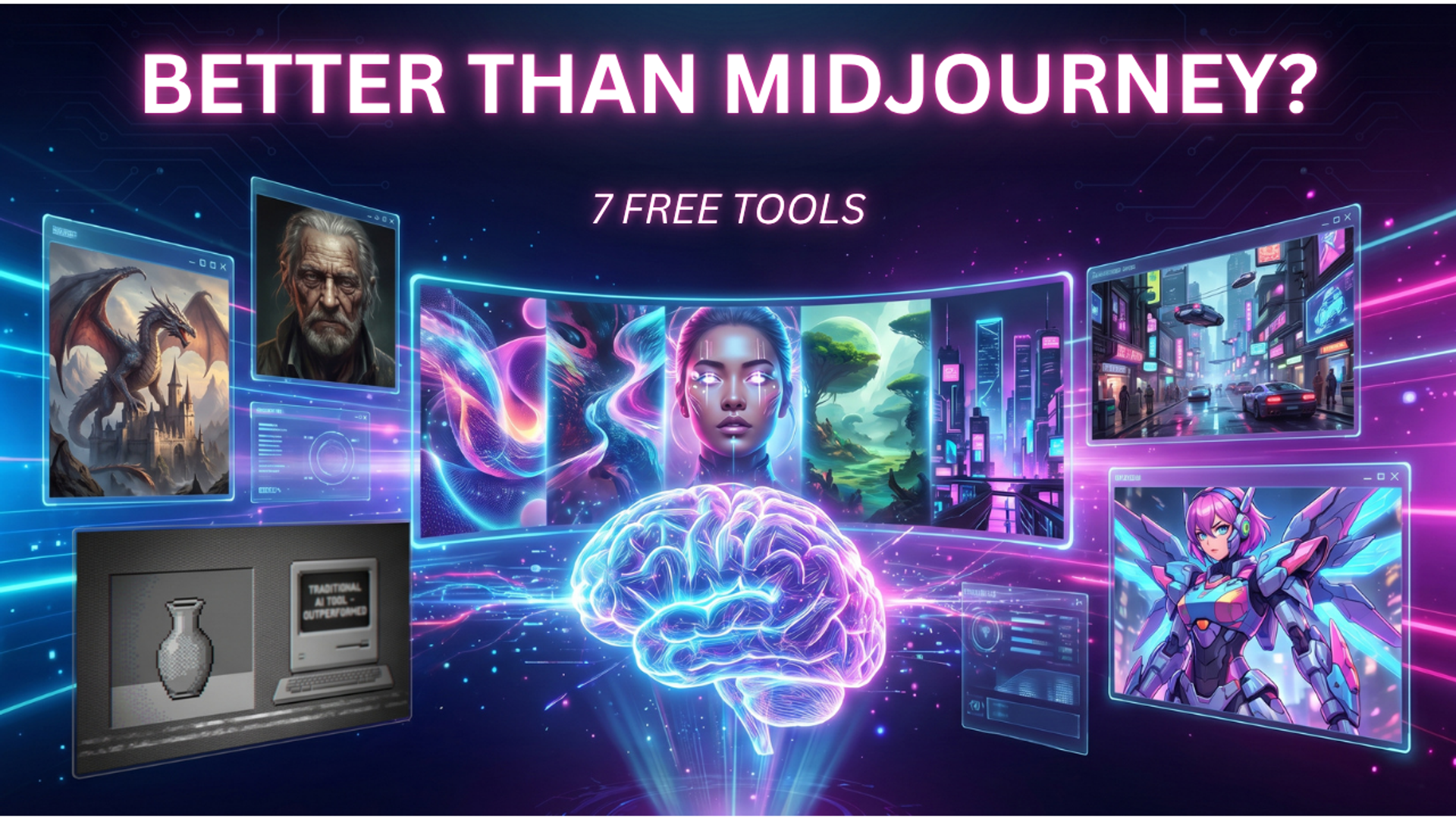
For years, Midjourney has been the undisputed king of AI image generation. But in 2026, the landscape has radically shifted. Open-source models like Flux and Stable Diffusion XL have leveled the playing field, meaning you no longer need a $30/month subscription or a clunky Discord interface to produce jaw-dropping, photorealistic art.
Whether you are building landing pages for high-volume lead generation, designing social media ad creatives, or managing a network of blogs, relying entirely on paid tools eats away at your ROI. Today, the free options are not just "good enough"—many of them offer better web interfaces, superior text generation, and more granular editing controls than Midjourney itself.
Here is the ultimate breakdown of the 7 best free AI image generators in 2026, their killer features, and exactly how to use them to supercharge your digital campaigns.
1. Leonardo.ai: The Ultimate Tool for Ad Creatives
Leonardo.ai isn’t just a basic prompt box; it is a full-fledged creative studio built directly in your browser. It offers a very generous daily token allowance that resets every 24 hours, making it perfect for rapid A/B testing of ad creatives.
- Best For: Creating highly converting social media ads and landing page hero images.
- The Killer Feature: Style Reference and Realtime Canvas. You can upload your brand’s existing assets, and Leonardo will generate new images that perfectly match your established color palette and aesthetic. The Realtime Canvas allows you to sketch a rough layout while the AI instantly renders it into a high-fidelity image as you draw.
- Pros: Unmatched photorealism, excellent intuitive UI, and massive daily free tier.
- Cons: Advanced features like multi-image upscaling drain your daily tokens quickly.
2. Playground AI: The Precision Editor for Web Designers
If you have ever been frustrated by Midjourney giving you a great image but putting the subject on the wrong side of the frame, Playground AI is your solution. It operates more like a lightweight version of Photoshop powered by AI.
- Best For: Web designers and campaign managers who need specific layouts for text overlays.
- The Killer Feature: Mixed-Image Editing. You can generate an image and use sliders to change the lighting, contrast, and color grade without typing a new prompt. You can also drag and drop elements from other images and seamlessly blend them together.
- Pros: Incredible control over composition; perfect for generating transparent PNG assets.
- Cons: The interface can feel overwhelming for complete beginners compared to simple text-box generators.
3. Adobe Firefly (Free Tier): The Safe Bet for Corporate Branding
Running paid media campaigns requires strict adherence to copyright laws. If you accidentally generate and use an image that infringes on a protected IP, your ad account could get banned. Adobe Firefly trains its models exclusively on licensed Adobe Stock, making it the most commercially safe tool on the market.
- Best For: Corporate blogs, official brand assets, and highly regulated industries.
- The Killer Feature: Flawless Text Generation. Midjourney still occasionally struggles with spelling, but Firefly excels at it. If you need a hyper-realistic photo of a neon sign, a chalkboard menu, or a storefront with your exact campaign slogan, Firefly nails the spelling on the first attempt.
- Pros: 100% commercially safe, excellent text accuracy, integrates well if you already use Adobe.
- Cons: Can sometimes lean slightly toward a "generic stock photo" look if the prompt isn't creative enough.
4. Tensor.art: Unrestricted Access to Bleeding-Edge Models
Tensor.art is essentially a massive, free cloud-hosting platform for the world’s best open-source models. Instead of relying on one single AI brain, Tensor lets you choose from thousands of community-built models (Checkpoints and LoRAs) tailored to specific niches.
- Best For: Niche content creation, rapid prototyping, and highly stylized concept art.
- The Killer Feature: LoRA Integration. Need an image in the exact style of a 1990s anime? Or perhaps a photorealistic architectural render made entirely of Lego bricks? You simply attach a community LoRA to your prompt, and the AI perfectly mimics that hyper-specific style.
- Pros: Infinite stylistic variety; you are not locked into one "house style."
- Cons: Requires a bit of a learning curve to understand how Checkpoints and LoRAs interact.
5. Bing Image Creator (DALL-E 3): The King of Prompt Accuracy
Microsoft's integration of DALL-E 3 remains completely free and easily accessible via a Microsoft account. While it might not match Leonardo’s extreme photorealism, it is the absolute best in the world at actually listening to what you type.
- Best For: Infographics, blog post headers, and complex scene generation.
- The Killer Feature: Conversational Prompting. You do not need to be a "prompt engineer" to use DALL-E 3. You can type a messy, conversational paragraph like: "Make me an image of a blue coffee cup sitting on a red book, with a sleeping tabby cat in the background, all resting on a wooden desk next to a window." Midjourney might ignore the red book; DALL-E 3 will give you exactly what you asked for.
- Pros: Zero learning curve, perfect spatial awareness in prompts.
- Cons: Images have an invisible watermark, and the style leans heavily toward digital illustration rather than raw photography.
6. SeaArt.ai: The Master of Character Consistency
If you are managing a brand that relies on a specific mascot or a recurring human character, getting an AI to draw the exact same face from different angles has historically been a nightmare. SeaArt solves this beautifully.
- Best For: Storytelling, brand mascots, and social media carousels.
- The Killer Feature: ControlNet Posing. SeaArt has a built-in library of human poses. You can select a 3D skeleton in the exact pose you want (e.g., pointing at a sign, jumping, sitting at a desk), and the AI will wrap your character perfectly around that skeleton.
- Pros: Unbeatable for character consistency and specific compositional control.
- Cons: The UI is heavily tailored toward the anime and gaming communities, which can distract from its B2B utility.
7. Freepik AI Suite: The Complete Marketer's Workflow
Freepik has transitioned from a standard vector site into a powerhouse AI suite. Using their free tier grants you access to their "Mystic" engine (built on Flux). It is rapidly becoming the go-to tool for digital marketing professionals because it prioritizes high-fidelity, high-converting imagery.
- Best For: End-to-end campaign creation and SEO-friendly image generation.
- The Killer Feature: In-Browser Optimization. Generating the image is only half the battle. Freepik allows you to instantly outpaint (expand) the image to 16:9 for a hero banner, or 9:16 for a Pinterest pin, right in the browser.
- Pros: Incredible skin textures, great lighting, and built-in aspect ratio expansion tools.
- Cons: The free tier limits how many high-resolution upscales you can perform daily.
🛑 Crucial Step: Optimizing AI Images for SEO & Website Audits
One of the biggest mistakes creators make is downloading a massive 15MB PNG from these free AI generators and uploading it directly to their website. Doing this will instantly tank your page speed, trigger red flags on your website audits, and hurt your organic search rankings.
If you are using these AI images to drive organic traffic, you must follow these three optimization rules:
Convert to Next-Gen Formats: Never use PNGs for blog headers. Run your AI images through a free converter to change them into WebP or AVIF formats. This reduces the file size by up to 80% with zero loss in visual quality, ensuring your pages load instantly.
Write Descriptive Alt-Text: Search engines cannot "see" your beautiful AI art. You must write clear, keyword-rich Alt-Text. Instead of AI_Image_001.webp, use digital-marketing-dashboard-analytics.webp and set the Alt-Text to "A digital marketer reviewing lead generation analytics on a modern dashboard."
Implement Lazy Loading: Ensure your CMS is set to "lazy load" images that appear below the fold. This ensures the browser only loads the AI images when the user scrolls down to them, drastically improving your initial site speed scores.
The Final Verdict: Which Tool Should You Choose?
You no longer need to pay for Midjourney to get agency-quality creative assets in 2026.
- If you are running paid ad campaigns and need hyper-realistic visuals, use Leonardo.ai.
- If you need precise control over web layouts, boot up Playground AI.
- If you want conversational ease for blog posts, stick with Bing Image Creator.
Stop letting monthly subscriptions eat into your budget. Build your tech stack from these free platforms and start scaling your content today.